



For quite some time, your personal DocuWare ID has already been required to access special services and features, such as opening support tickets, downloading assets in the Marketing & Sales Tool, or completing training courses in the DocuWare Academy LMS. To ensure that we can offer your services with the highest level of security, we are putting even more focus on new features and improvements. So that you can enjoy all benefits and possibilities available to you as a DocuWare Partner, it will be increasingly essential in the future that every user has a personal DocuWare ID. Access to the previously mentioned platforms, as well as new processes, procedures, functions and services that will be introduced in the coming months is based on this unique identifier.
If you do not yet have a DocuWare ID, please contact the responsible administrator at your company as soon as possible. They can send you an invitation to create your DocuWare ID. The whole process takes no more than 5 minutes.
How can you get your invitation?
-
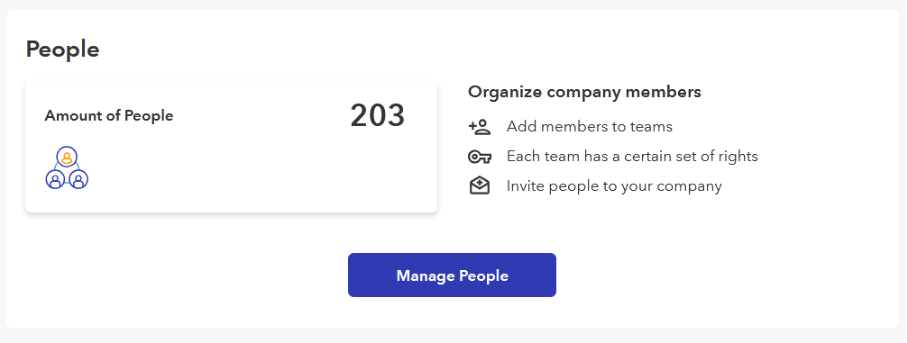
Members of the Administration and Management teams at your company can invite you via “My Account (on the DocuWare website) / Company / Manage People.” All they need is the email address of the employee in question.
-
You’ll receive an email invitation and set your personal password. That’s it. Then you have access to the various “locked” areas of the Partner and support portals and the DocuWare Academy LMS.
Important: Newly invited employees are always initially assigned to the Collaboration team with limited access rights. The administrator can change or adjust these team rights in the “Manage People” section according to the person’s responsibilities in the company.
All details and an overview of the team rights can be found in the DocuWare Knowledge Base.