Empower your brand with DocuWare IDP White Label
Offer state-of-the-art document automation with DocuWare IDP's White Label AI Document Automation Suite.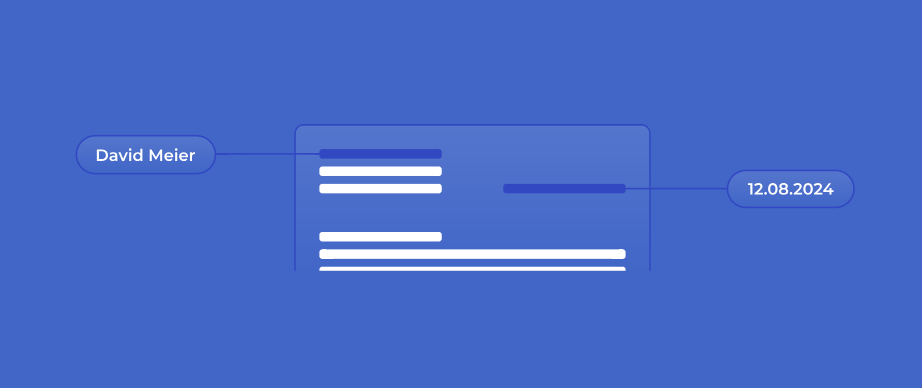


.png?width=360&name=Daviess%20County-sm%20(2).png)


Enhance your product line and service offerings with advanced automation
Are you aiming to:
- Expand your offerings without extensive R&D?
- Provide your customers with cutting-edge document processing capabilities?
- Offer document processing with OCR & HTR, Pre-processing, classification, and extraction?
- Increase revenue without significant upfront investments or development costs?
Leverage our White Label AI Document Automation Suite to provide your clients with unparalleled data extraction and document automation, branded as your own.

World-class AI solutions for document automation
DocuWare IDP White Label integrates seamlessly with your solutions, enhancing your product portfolio and business growth.
-
AI-powered OCR & HTR: Automatically capture printed and handwritten text, even from poor-quality scans.
-
Efficient Pre-processing: Split, crop, and standardize documents for smooth downstream processing.
-
Precise Classification: Smartly categorize documents and trigger the right workflows automatically.
-
Accurate Extraction: Accurately extract all relevant data, including tables, line items, and custom fields.

How DocuWare IDP drives efficiency
-
Automatic classification reduces time and effort spent by triggering document workflows.
-
Almost any document type can be automated, even weathered scans or handwriting.
-
Complex data positions can be extracted precisely regardless of page breaks.
-
Adaptive AI model that learns to recognize patterns and formats, reducing the need for manual configuration.
-
Pre-trained use cases for dramatically reduced configuration requirements.
-
Scale business with the same or fewer resources.

White Label Document AI
embedded in your software

Accounting Software
Help your customers process faster, reconcile smarter and close books with confidence.

Digital Banking
Deliver secure, compliant and automated document handling across customer cycles.

ERP Platform
Eliminate manual processing of invoices, contracts, delivery notes etc with embedded IDP.

HR Software
Automate all document processes within your ATS, HRIS, Payroll or Talent Management System.

Logistics Platform
Embed IDP into your 3PL, TMS, WMS, FMS or OMS and offer automated logistics workflows.
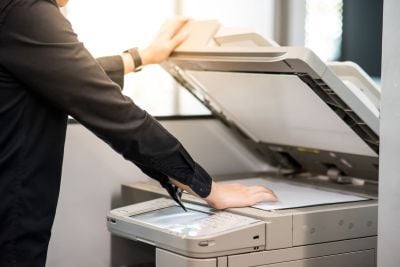
Scanning Service
Offer smarter document digitization with high-precision OCR, classification and data extraction.

With IDP, the indexing runs in the background. We don’t have to do anything on that front anymore. From the invoice number to the date, invoice amount, total before and after taxes, and even the individual line items—all the key data is extracted reliably. It saves us an incredible amount of time—and also makes work more enjoyable.

Our goal with digitalization is to be able to continue scaling while maintaining the same team size. It should make no fundamental difference whether 100 or 1,000 vehicles go through our processes every day.

With DocuWare, we bet on the right horse. The fact that it’s both simple to use and still offers a broad palette of options make the system so attractive. For our company this has translated to a huge time savings, reduced costs, and a boost in both quality and transparency.
What you get with DocuWare IDP White Label
OCR & HTR automatically reads printed and handwritten text from any document—even low-quality or damaged scans—ensuring fast, precise, and fully auditable data for downstream workflows. Read more.
OCR & HTR use cases
- Digitize invoices and documents to extract structured data quickly.
- Capture printed and handwritten form data for efficient processing.
- Extract key information from contracts, orders, and business documents.

Pre-processing identifies and prepares documents for downstream workflows by automatically separating, cropping, and anonymizing scans and PDFs, ensuring clean and ready-to-process files. Read more.
Pre-processing use cases
- Split batch scans into individual documents for faster mailroom handling
- Automatically crop and organize forms, IDs, and invoices
- Redact sensitive information for GDPR-compliant processing

Classification automatically sorts documents into categories and triggers workflows, boosting automation and cutting manual effort. Read more.
Classification use cases
- Automatically classify contracts, agreements, and legal filings for faster review.
- Organize resumes, onboarding forms, and personnel files for easy access and compliance.
-
Classify logistics documents like orders and delivery notes efficiently.

Extraction automatically captures relevant information from documents and outputs it in structured, ready-to-use formats. It reduces manual effort, ensures high accuracy, and accelerates workflows. Read more.
Extraction use cases
- Extract hours and work details, including hand-written entries from timesheets.
- Capture key clauses, deadlines, and metadata from contracts.
- Extract policyholder details and numbers from insurance documents.
