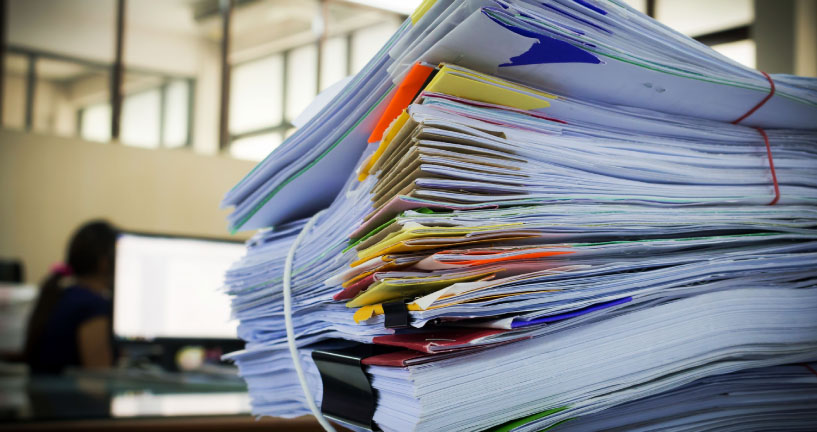
Are you still storing old but important paper documents in folders or boxes? Thanks to AI, digitizing them is easier than ever. Documents are automatically identified, read, and saved in the appropriate system – whether it’s a DocuWare file cabinet or another solution in your IT landscape.
Contents:
- Dusty paper documents
- Digitization made easy
- Intelligent Document Processing with DocuWare – watch the video
- More about DocuWare IDP
Dusty paper documents
Paper documents may feel like relics from the past, but they’re still common in many companies. Often, the switch to digital workflows begins on a specific date, leaving older documents in paper archives – along with all the usual drawbacks: content isn’t readily available, remote access is not possible, searching through folders or boxes is time-consuming, and last but not least, storage space is at a premium.
These might be HR documents for long-standing employees, contracts signed years ago, or other important papers. They may be old, but they’re still valid, so shredding them isn’t an option.
Digitization made easy
DocuWare IDP (Intelligent Document Processing) lets you leverage the power of artificial intelligence. Once configured, the entire workflow runs automatically. All you need to do is place the stack of paper on the scanner.
Step 1: DocuWare IDP separates the scanned stack into individual documents (splitting).
Step 2: Based on the content, characteristics, or attributes, each document is assigned to a category (classification).
Step 3: Relevant data is extracted from the originals according to their document category (extraction). For HR documents, this might be the employee’s name or personnel number; for contracts, it could be the terms and signing parties.
Step 4: Documents are saved in the appropriate system and enriched with the extracted data. This makes them easier to locate or access in context – such as a personnel file. DocuWare serves as a secure document management system, but other systems – like HR or contract management tools – can also be easily integrated.
Once your digitization project is complete, all documents and information are easy to access – with full-text search capabilities, remote access from a home office, and seamless integration between scanned paper documents and original digital files.
Intelligent Document Processing with DocuWare – watch the video
Get a quick, two-minute overview of how DocuWare IDP can benefit your business.
More about DocuWare IDP
For additional insights into DocuWare IDP’s features and use cases, check out these blog posts:
- DocuWare IDP – all functions at a glance
- More automation when processing incoming invoices with DocuWare IDP
- Automate your inbox with DocuWare IDP