


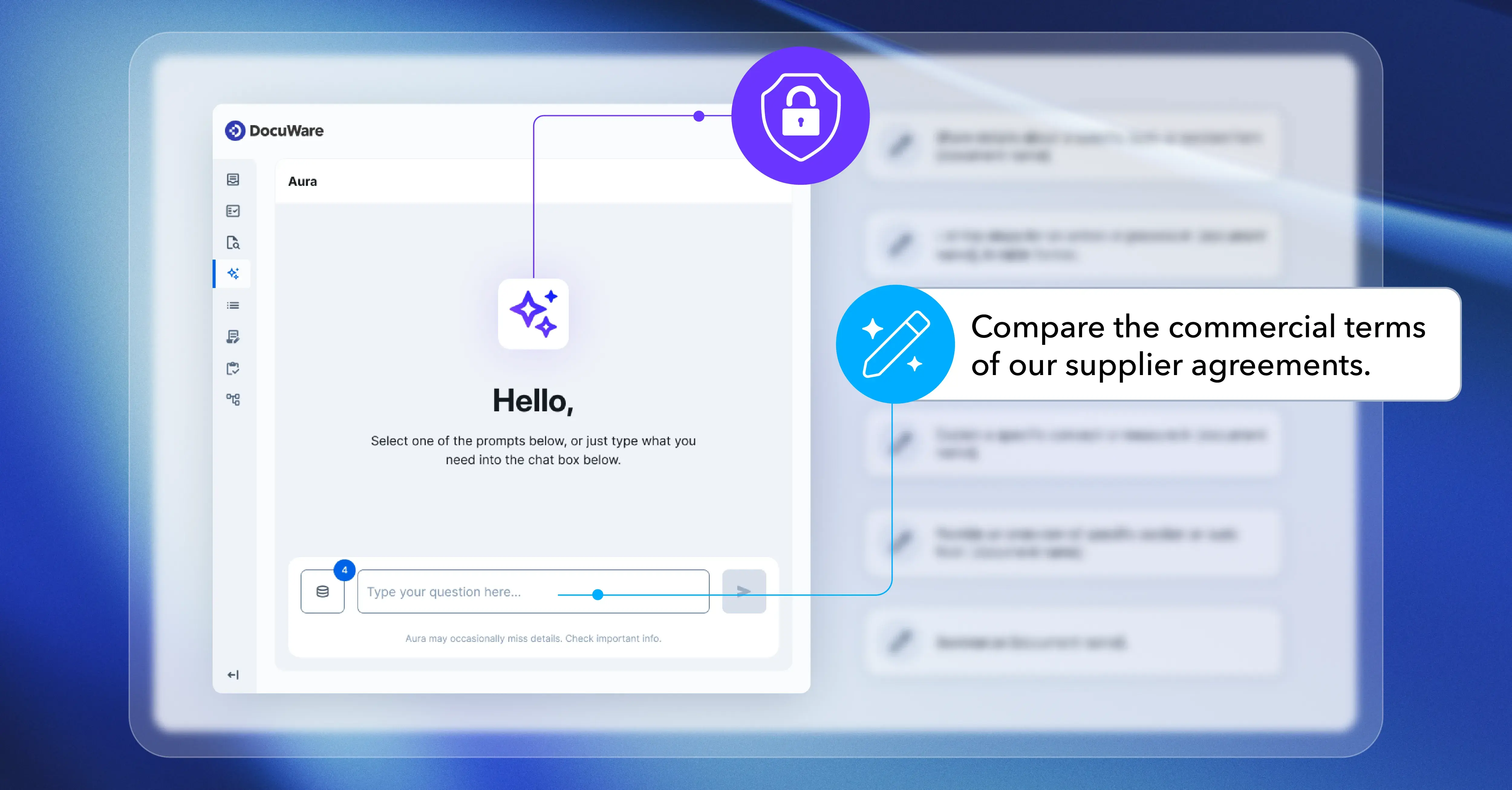
Ever wished you could just ask your DocuWare system a question and get a business-ready answer in seconds? With DocuWare Aura, that’s now possible. This new AI assistant is already available with DocuWare Cloud in the new DocuWare interface and in the DocuWare mobile app. Designed to simplify your daily work, DocuWare Aura helps you spend less time searching and more time making decisions.
Contents:
- Where and how can you use DocuWare Aura?
- Next-level assistance for your daily work
- DocuWare Aura vs. classic DocuWare search: The best of both worlds
- Everyday use cases
- What makes DocuWare Aura different
- Capabilities and boundaries
- How to configure DocuWare Aura
- Ready to let DocuWare Aura handle your next task?
Where and how can you use DocuWare Aura?
DocuWare Aura is built right into the new DocuWare – no need to dig through complex menus or settings. You’ll find it exactly where you need it:

-
In the Viewer: Open any document, click on the purple DocuWare Aura star icon on the right hand side of the viewer icon bar and ask for a summary, an explanation or specific information in straightforward language. No matter how long or complex the document, DocuWare Aura highlights what matters most.
For example you can ask Aura: “Summarize this document for me.”
- In the result list: In the search result list, you can select up to 15 documents and use DocuWare Aura to ask questions specifically about those documents. Just click on the Aura icon in the top of the result list. No additional configuration or indexing is required – Aura analyzes only the selected documents.
For example you can ask Aura: “Compare these contracts” or "extract all payment conditions”. - In the Chat: Use conversational queries for step-by-step exploration, follow-up questions or quick document comparisons – right within your workflow. Aura searches everything the administrator has indexed., The administrator selects which file cabinets are enabled and Aura decides what to retrieve from those based on your query.
For example you can ask Aura “What supplier contracts contain special payment conditions?”
No extra training or technical expertise is required to use Aura. If your DocuWare Cloud system is already updated to DocuWare version 7.15, Aura is ready to use. You can easily switch between the classic and new interfaces at any time.
Next-level assistance for your daily work
With DocuWare Aura, you don’t just “search”. The AI assistant is built around three core capabilities, reflecting real workplace needs:
| Capability | Benefit | Example Question |
| Find | Easily locate information across documents, just by asking | “Which supplier contract contains the updated delivery conditions?” |
| Compare | Quickly review and check differences between documents | “Does the invoice match the purchase order and delivery note?” |
| Summarize | Get clear overviews of documents or collections | “Summarize all obligations in this agreement.” |
DocuWare Aura keeps things simple:
-
Find: No need to remember file names or search terms. Just ask, and DocuWare Aura checks both document content and index fields - even uncovering insights you might miss.
- Compare: Save time by letting DocuWare Aura cross-check documents for you (such as purchase order vs. invoice, contract versions, or amendments), instantly highlighting differences and exceptions.
- Summarize: Understand key points and obligations in long or complex documents at a glance.
DocuWare Aura vs. classic DocuWare search: The best of both worlds
DocuWare Aura and classic search are designed to complement each other. Use classic DocuWare search for accurate, targeted retrieval – especially when you know exactly what you're looking for, such as contract numbers, customer names, or keywords. Use DocuWare Aura for natural language queries, deeper analysis and faster understanding of complex information. Together, they deliver precision and insight, making your document management more powerful than ever.
Everyday use cases
Across any department, DocuWare Aura turns everyday files into actionable insights that speed up processes, support smarter decisions and drive greater agility. The following examples highlight just some of the ways DocuWare Aura can benefit your organization.
Finance: Accelerate month-end closing
Challenge
Collecting information from various sources during month-end closing is time-consuming. Teams often need to identify missing invoices, unbooked commitments and documents that still require review to ensure a complete and accurate close.
Ask DocuWare Aura
"Identify documents that may impact the current month-end closing."
What DocuWare Aura does
DocuWare Aura reviews contracts, commitments, invoices and financial documents to ensure all items relevant for month-end closing are included.
Business value
Faster closing process, improved completeness and fewer financial surprises.
Contract Management and Legal: Assess the impact of regulatory changes
Challenge
When regulations change, organizations must determine which contracts may be affected. Without AI, this often means manually reviewing hundreds of agreements.
Ask DocuWare Aura
"Which existing contracts reference our previous data retention policy?"
What DocuWare Aura does
DocuWare Aura scans contracts for references to outdated policies or regulations and lists all potentially impacted agreements.
Business value
Accelerates regulatory reviews, reduces compliance risks and supports legal remediation projects.
Executive Management and Business Intelligence: Identify business risks across departments
Challenge
Business risks are often documented in different places across the organization. Without a centralized view, important risks may go unnoticed.
Ask DocuWare Aura
"What are the highest business risks currently documented across the organization?"
What DocuWare Aura does
DocuWare Aura analyzes risk-related documents from all departments – such as risk registers, audit reports, contracts and project files – categorizes risks (e.g., financial, legal, operational) and highlights key themes and issues needing management attention.
Business value
Improved strategic oversight, earlier identification of critical issues and better prioritization of management actions.
For more use cases, please consult the new Aura product page. We’ll be sharing more practical examples and helpful tips soon in a dedicated article.
What makes DocuWare Aura different
- Natural Language: Ask your questions in plain, natural language - no jargon needed. Aura understands and processes queries in over 100 languages.
- Secure & Personalized: DocuWare Aura responds only with information you’re authorized to access.
- Always up-to-date: Answers are based on the latest content and your current access permissions.
- Privacy: DocuWare Aura does not store your questions or document content.
Capabilities and boundaries
Capabilities
- Instantly answer business questions about your documents .
- Summarize and compare multiple files in seconds.
- Clarify unfamiliar documents or identify changes – just by asking.
What Aura does not allow or support
- Answer business questions about your documents instantly. Search the web or external sources – only your DocuWare content.
- Access content without your permission.
- Store your data or queries.
- High-quality answers for images, handwriting or documents with poor OCR cannot be guaranteed, although these documents are not excluded.
- Move files or automate workflows.
How to configure DocuWare Aura
DocuWare Aura is already activated. Your administrator simply selects which file cabinets to index for Aura’s file cabinet search. All existing permissions and data security measures are always maintained – all access rights continue to apply. Aura considers only documents accessible based on the current index and applicable user access rights.
For more information on setup, usage and quotas see the detailed article on DocuWare Aura configurations in the Knowledge Center.
Ready to let DocuWare Aura handle your next task?
The DocuWare Aura freemium version is available to all new DocuWare Cloud users at no extra cost. Looking for greater AI capabilities? Upgrade to DocuWare Aura Premium for longer sessions, advanced features and extra capacity.
For more details, please visit the new DocuWare Aura product page.
