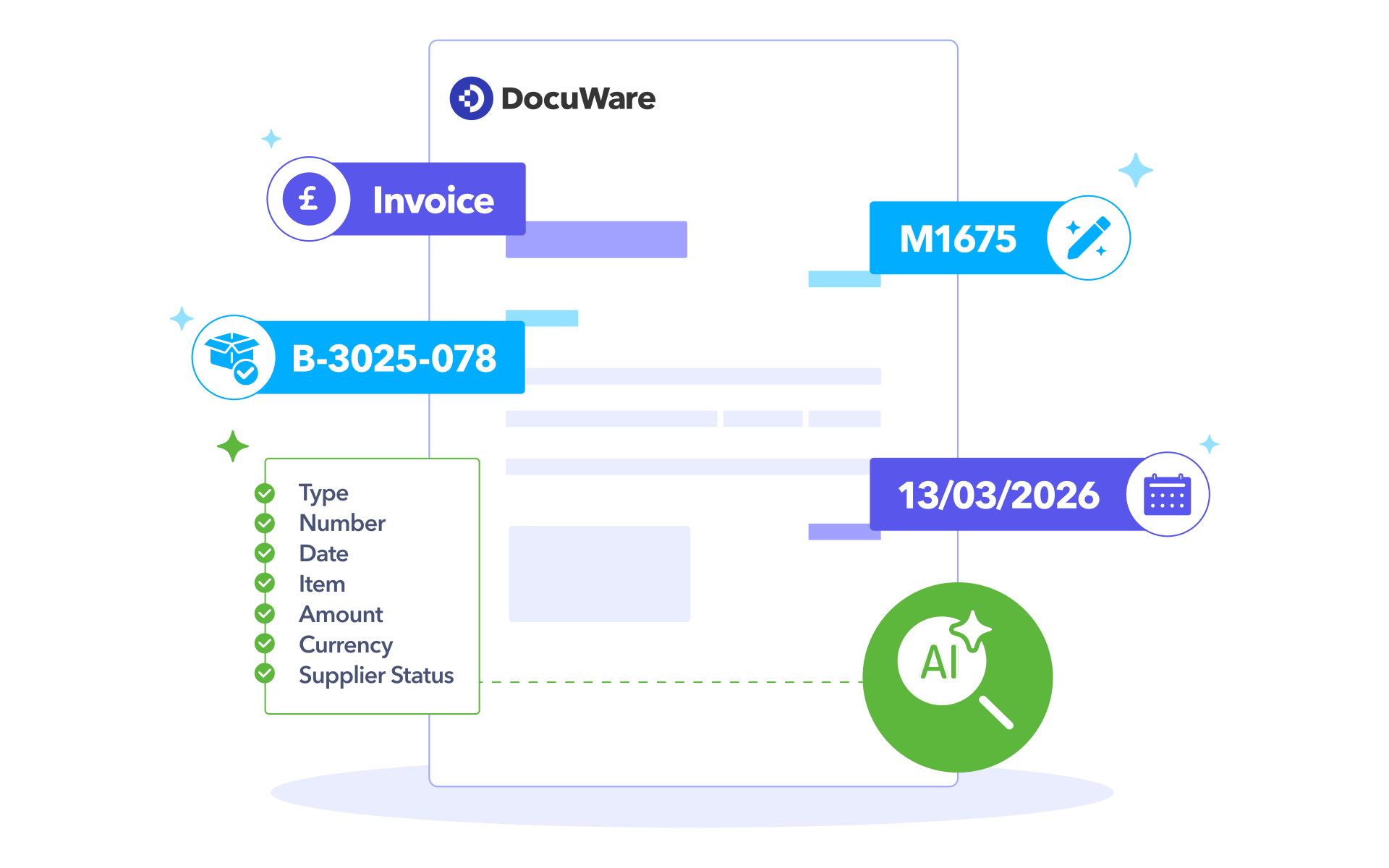
DocuWare IDP Solutions
Businesses need data they can access in an instant, so they can stay compliant, find documents quickly, and keep workflows running efficiently. But until now, extracting data from documents has been time-consuming and tedious. Intelligent Document Processing with DocuWare IDP can automate data extraction and document indexing — but it still struggles with unstructured documents like scanned PDFs, email attachments or photos.
DocuWare IDP leverages AI to solve this problem. With its proprietary Document Models and Generative AI (GenAI)-based extraction, it can interpret and uncover data even from complex or unstructured documents. This improves accuracy and ensures that relevant data is extracted — all without pre-defined templates. Documents are classified and indexed correctly and processed automatically. The result is a flexible, intelligent process that adapts to your documents, ensuring accuracy and efficiency every time.
The three pillars of document automation
Automatic document splitting
Smart classification
Precise data extraction
Boost automation rates
in business processes
DocuWare’s powerful OCR and HTR data extraction unlocks the true power of your documents.
DocuWare’s AI-powered IDP has been trained on more than 360 million documents and can be continuously improved with additional training to meet your specific business needs.
Automated document workflows reduce or eliminate manual effort. DocuWare IDP runs in the background, freeing up time for strategic tasks.
To improve consistency and data quality, extracted data is matched against existing master data, ensuring reliable business processes across systems.
What is the role of Intelligent Document Processing with DocuWare IDP in Document Management?
DocuWare uses DocuWare IDP as part of Document Management to automatically capture, organize, and understand documents.
This makes business processes easier and faster.
Built for the teams that process documents every day
Regardless of document type or business process, DocuWare IDP makes it possible to automate data management. The solution supports a wide range of document-driven processes across different business functions.
Typical document-driven processes can be found in departments such as:
Finance
Finance teams deal with high volumes of time-critical documents that must be processed accurately, consistently and quickly across workflows. Accounts payable specialists, financial controllers and accounting teams often struggle with manual invoice entry, inconsistent document formats and time-consuming reconciliation processes.
Typical use cases:
- Automate invoice processing by capturing, extracting, and validating invoice data. This speeds up approvals and reduces manual effort.
- Streamline purchase order processing by automatically matching documents and extracting relevant information for faster reconciliation.
Benefits:
- Up to 70% time-savings in invoice processing through automated data extraction and validation.
- 94%+ AI recognition rate for invoices means faster, more accurate posting and reconciliation.
Human Resources
HR departments manage sensitive employee-related documents that must be processed efficiently while maintaining accuracy and compliance. HR managers, HR administrators and payroll specialists are often challenged by fragmented employee files, manual onboarding processes and increasing compliance requirements.
Typical use cases:
- Automate document processing during employee onboarding by capturing and extracting relevant information from HR documents.
- Streamline contract and agreement management by automatically extracting and organising key data from employment documents.
Benefits:
- Efficient management and retrieval of employee documents across locations, departments, and growing workforces.
- Improve HR compliance and data accuracy by automatically capturing, validating, and processing employee information from documents.
Operations
Operations teams handle a constant flow of documents connected to logistics, communication and day-to-day business execution. Operations managers, logistics coordinators and customer service teams frequently deal with unstructured incoming documents, delayed processing times and manual routing of information across systems.
Typical use cases:
- Automate the capture and extraction of delivery and shipment information to speed up processing and improve visibility across logistics processes.
- Streamline processing of order-related documents by automatically classifying, extracting, and routing relevant information to the right systems and teams.
Benefits:
- Faster operational workflows as incoming documents are automatically processed and data is directed to the right people and processes.
- Increased efficiency in logistics and order handling with digitised order and invoice approval processes, which results in fewer paper-based workflows and less manual effort.
Don't see your process?
These are just a few possibilities. If your team processes documents, IDP can be configured to fit your workflows — regardless of department, document type, or industry.
DocuWare IDP FEATURES
How AI-powered document
processing delivers
high-quality data
DocuWare IDP follows a flexible end-to-end process that turns unstructured content into structured, process-ready data. Each step can be used individually or combined to suit your needs.
Pre-processing
Benefit from AI-powered document pre-processing that automatically crops scanned documents and PDFs.
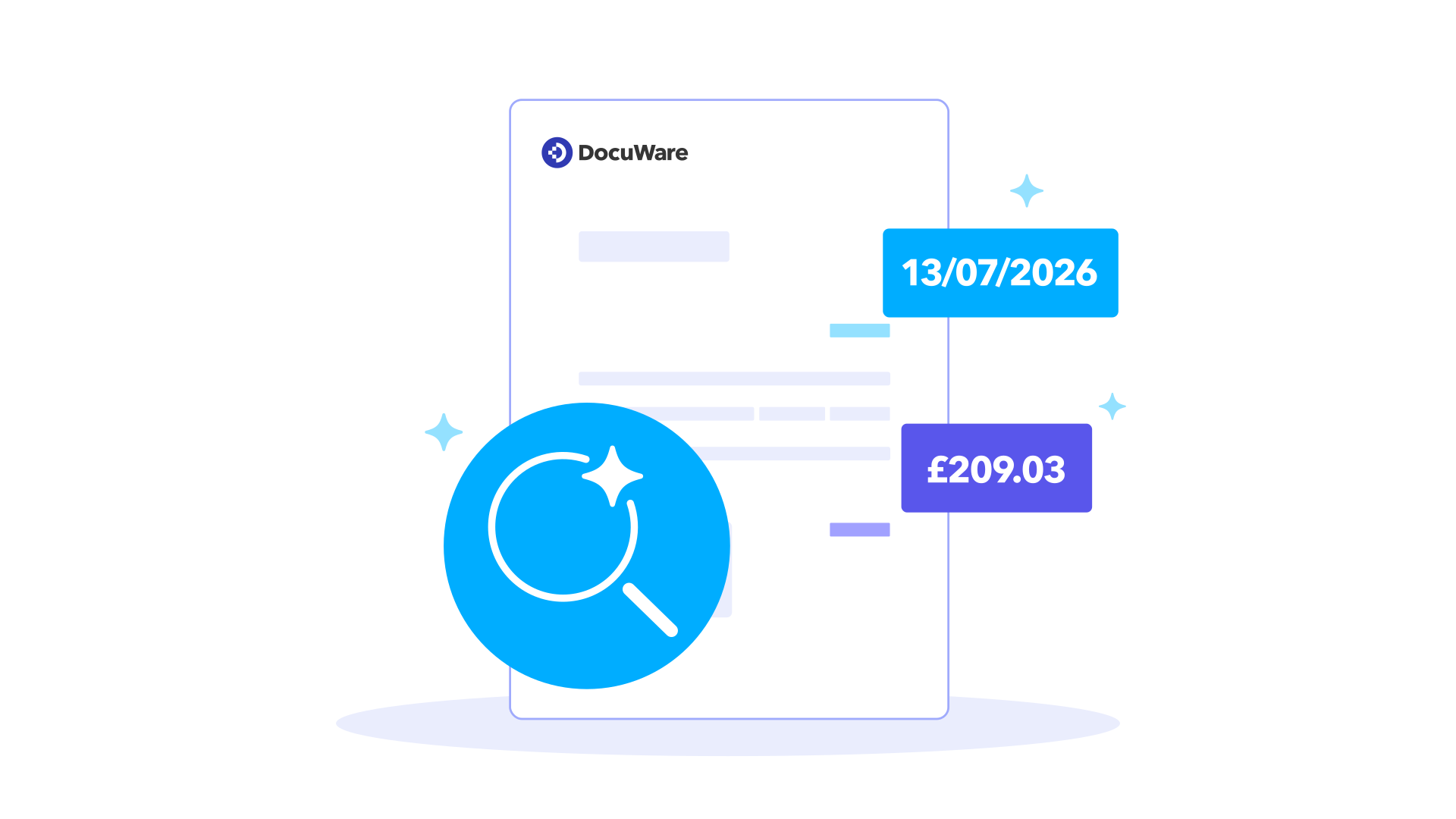
OCR & HTR
AI-powered OCR & HTR automatically reads printed and handwritten text from any document — including low-quality scans.
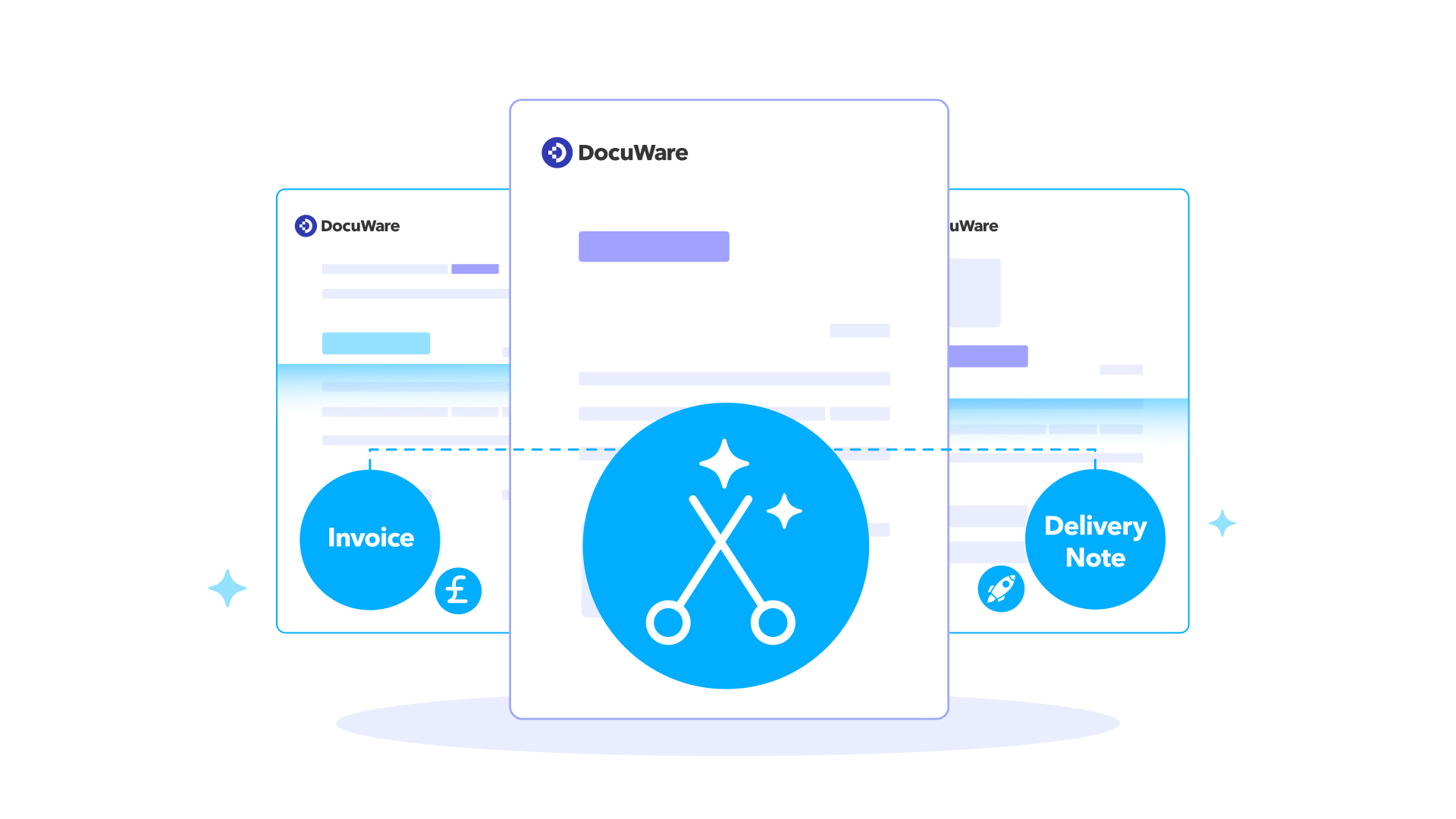
Splitting
Large or complex documents are automatically divided into logical units, enabling more precise classification and extraction at scale.
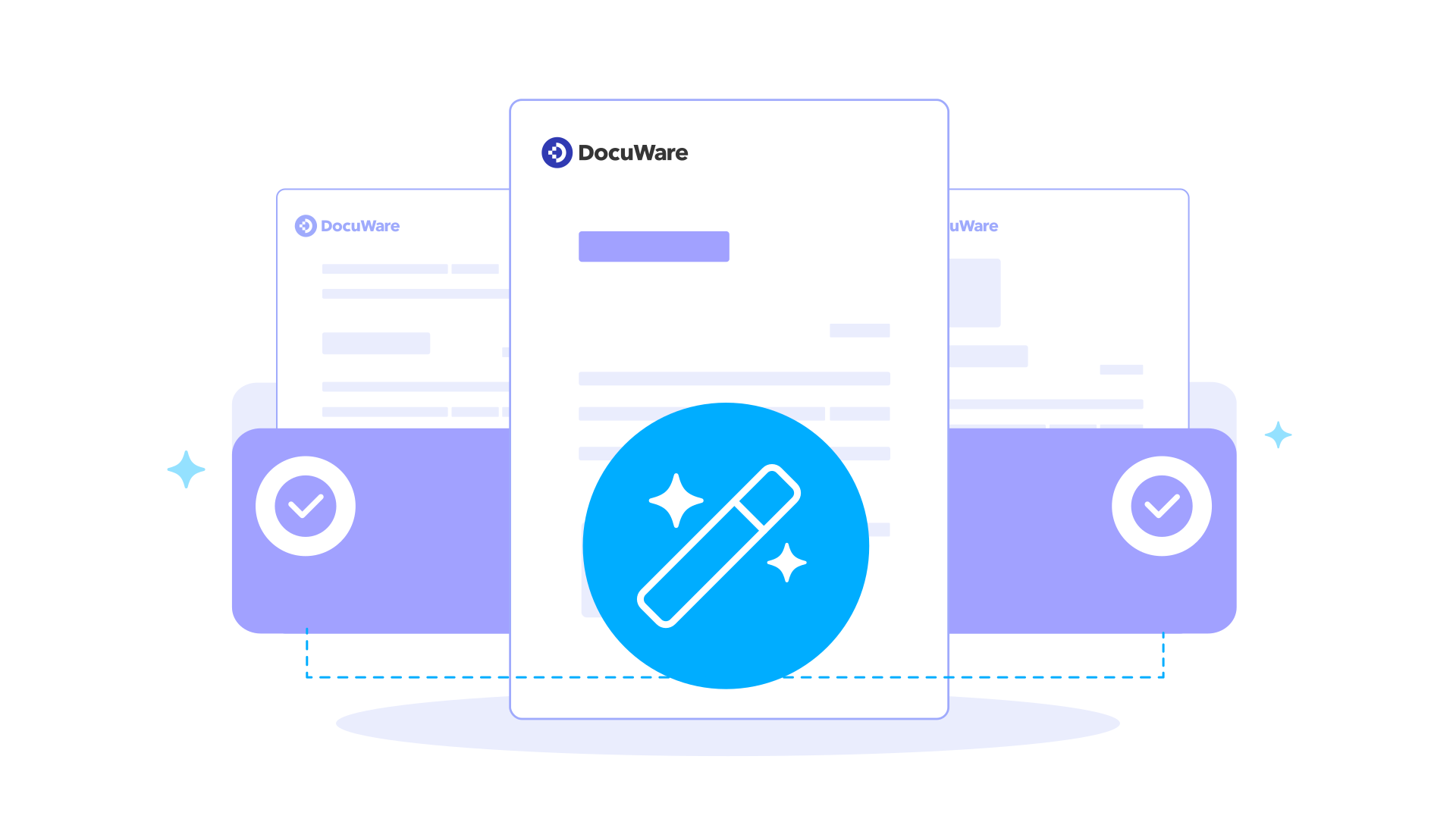
Classification
Save time and money by classifying your documents and automating subsequent processes, so your information is always in the right place at the right time.
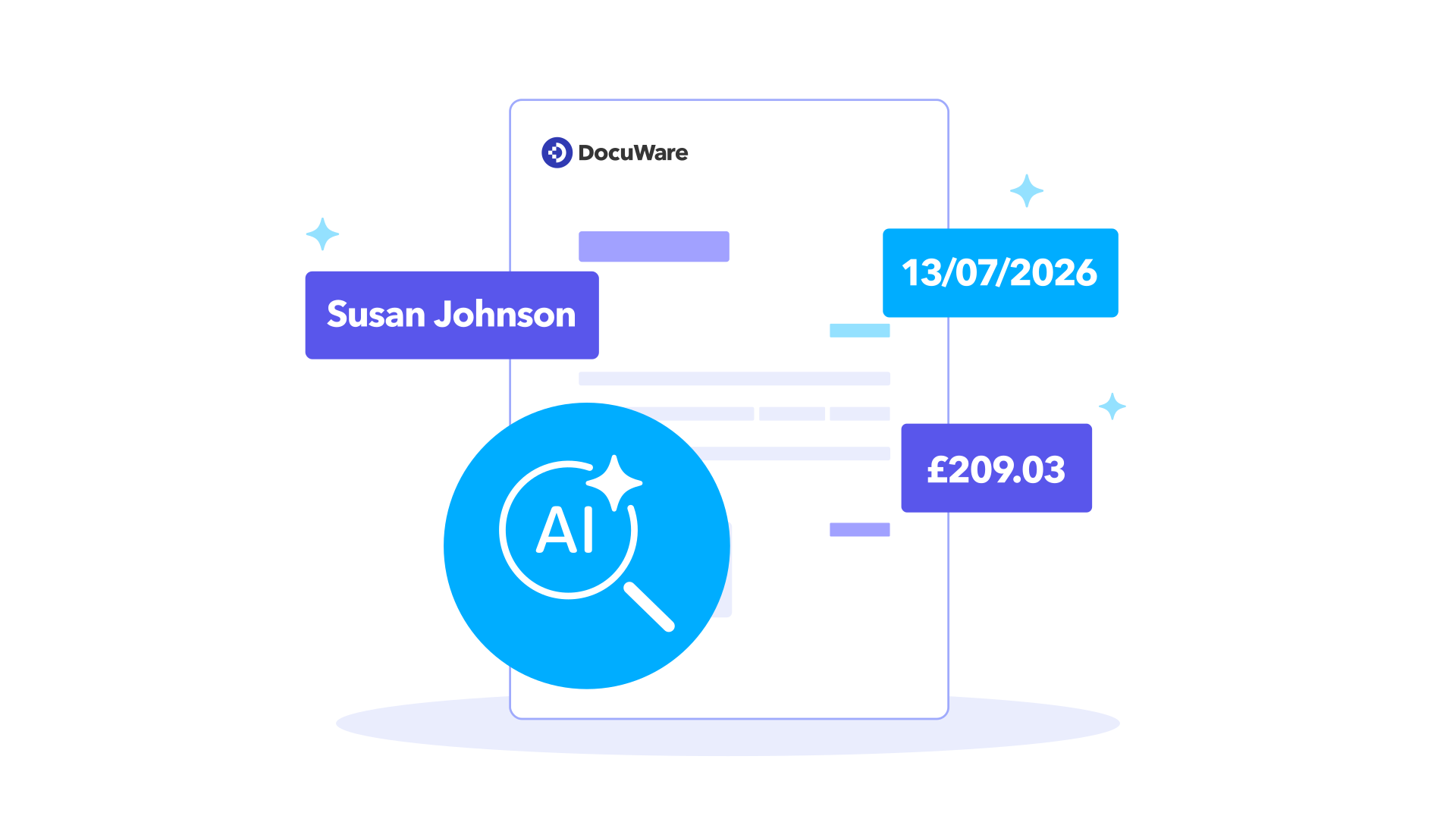
Extraction
Automatically capture all relevant information from your documents with AI-powered data extraction and deliver it in structured, ready-to-use formats.
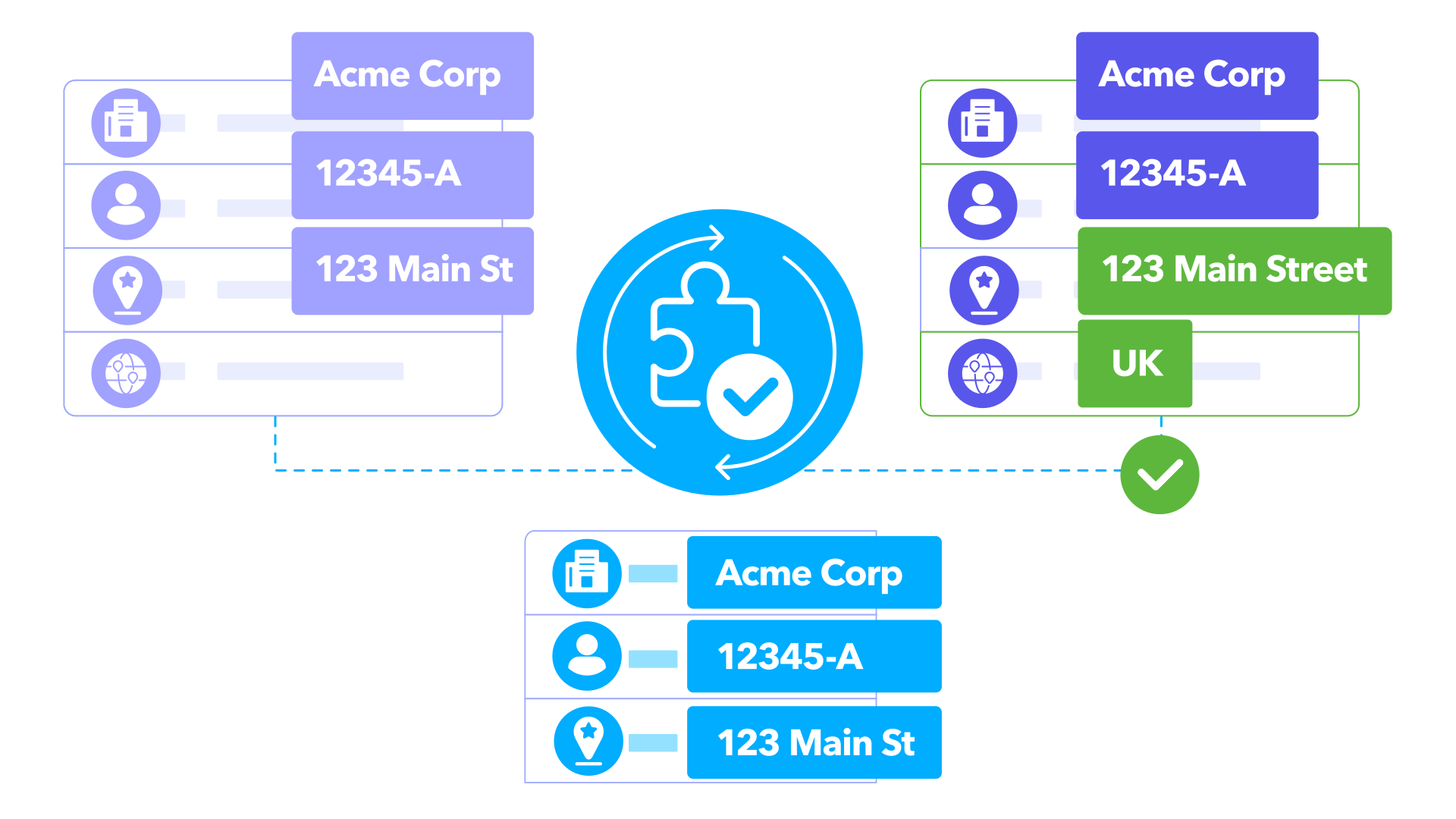
Master Data Matching
Compares extracted document data with master data to match records, validate results, and improve overall data quality and consistency.
Validation
Users can review, correct, and approve extracted data directly in DocuWare IDP as part of the document process, ensuring accurate and reliable results before further processing.
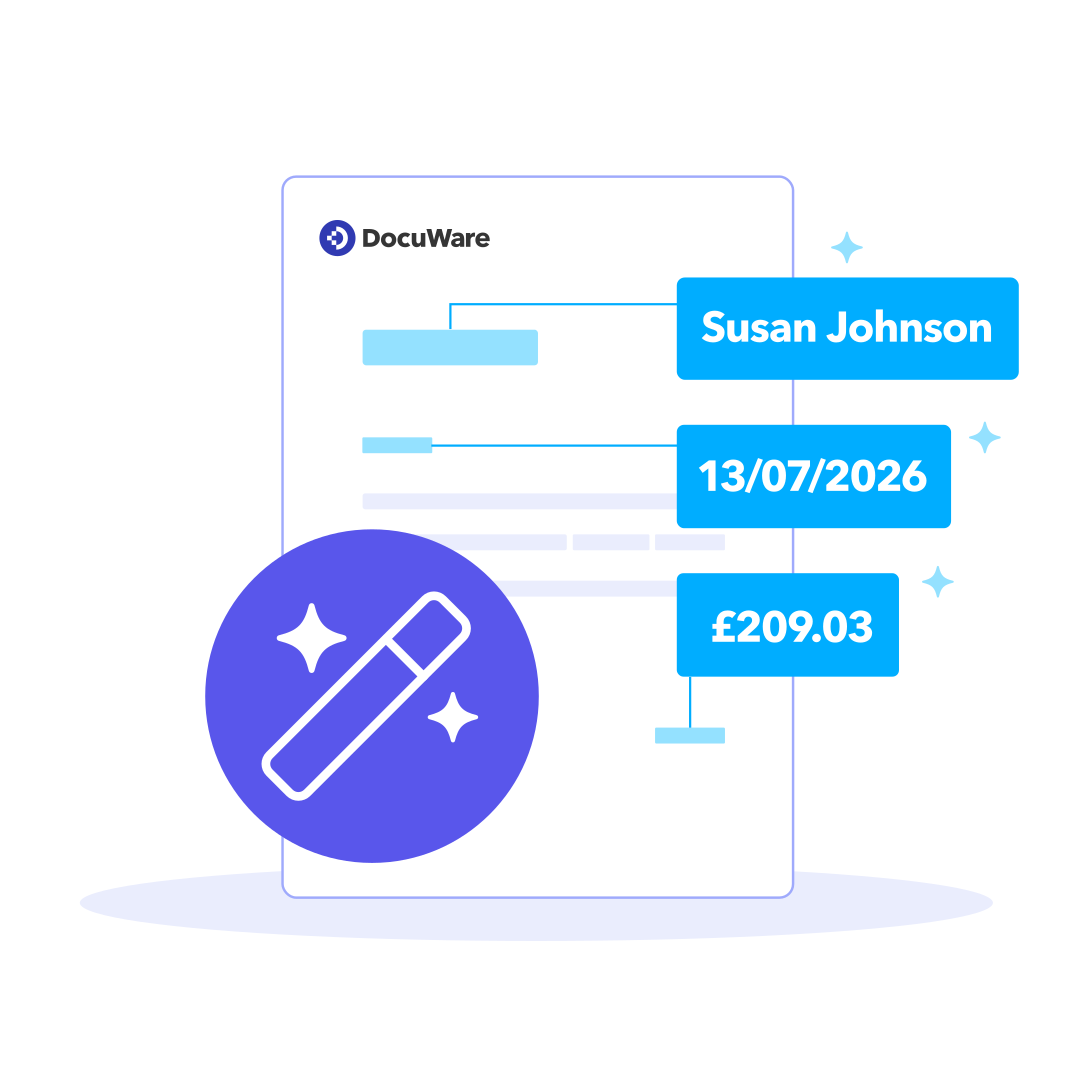
The power of GenAI: Taking extraction technology to the next level
GenAI extraction makes the difference
Zero Shot Extraction
Training with existing data
Continuous improvement through validation
Master Data Matching for more consistent results
For organisations, what matters is not just the information contained in documents; above all it’s the quality and consistency of their master data.
Master Data Matching extends DocuWare IDP’s capabilities by automatically matching extracted data against existing master data using exact and fuzzy matching. This allows data to be validated, standardised and enriched from directly within the process, improving data quality and accelerating workflows.
Three-way invoice matching with supplier resolution
Master data-based invoice validation
Line-item accounting and tax validation
Your Data, Your Model
Pre-built models
Custom AI Agents
Example
An accountant processing specialised invoice formats could create and train a Custom AI Agent on their own data to improve accuracy for their specific workflows. This is just one example — Custom Agents can be built and trained for a wide range of document types, processes, and use cases unique to your business. This delivers a perfectly customised DocuWare IDP solution without extra effort or external processing, utilising your own data for maximum confidentiality and adaptability.
What our customers have to say about DocuWare IDP
With IDP, the indexing runs in the background. We don’t have to do anything on that front anymore. From the invoice number to the date, invoice amount, total before and after taxes, and even the individual line items—all the key data is extracted reliably. It saves us an incredible amount of time—and also makes work more enjoyable.
Our goal with digitalisation is to be able to continue scaling while maintaining the same team size. It should make no fundamental difference whether 100 or 1,000 vehicles go through our processes every day.
With DocuWare, we bet on the right horse. The fact that it’s both simple to use and still offers a broad palette of options make the system so attractive. For our company this has translated to a huge time savings, reduced costs, and a boost in both quality and transparency.
Frequently asked
questions
How does DocuWare's IDP solution leverage AI to improve efficiency in businesses?
How does DocuWare IDP differ from traditional document capture software?
How do we know that the extracted data is accurate?
How do we improve the AI model?
What is the primary difference between IDP and Intelligent Indexing?
Intelligent Indexing takes place before the document is stored in the file cabinet. The extracted data can be confirmed by the user, errors can be corrected and missing information can be added. This feedback continually trains Intelligent Indexing.
IDP typically requires training by a partner, which is typically a paid service.
Can DocuWare IDP be used without a document management system?
Is my data safe while using AI for document processing?
Yes, your data is safe!
All data is anonymised before it is used to train the basic model. Furthermore, the AI system never uses the entire document, but only a single, very small component of each document. The documents themselves cannot be reconstructed, nor can personal data.
DocuWare IDP is subject to the strict rules of the GDPR.
Offerings
Intelligent Document Processing with DocuWare IDP leverages advanced AI technology to streamline workflows,
reduce manual errors, and enhance operational efficiency across various industry needs.
DocuWare IDP with
DocuWare Cloud
DocuWare IDP with a DocuWare
on-premises system
The cloud-based DocuWare IDP functions can also be seamlessly integrated into locally installed DocuWare systems, both during document capture and in workflows
DocuWare IDP standalone
(without DocuWare system)
DocuWare IDP functions are called up directly during document capture in DocuWare or during workflows, ensuring comprehensive automation.
DocuWare IDP White Label
The cloud-based DocuWare IDP functions can also be seamlessly integrated into locally installed DocuWare systems, both during document capture and in workflows.
See how Intelligent Document Processing with DocuWare IDP eliminates manual work
Request a free demo of DocuWare IDP