
Modernizing the Process
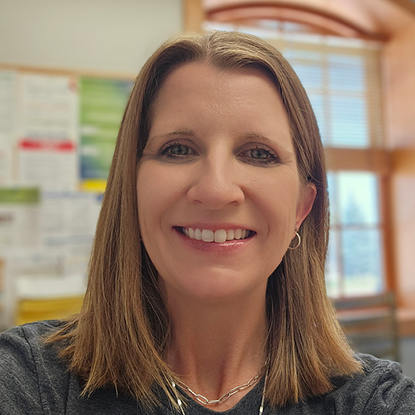
Transitioning to digital document management allowed Winking Lizard Tavern to significantly reduce physical storage requirements and improve their process accuracy. “We have been able to reduce the number of file cabinets and can easily find documents, because once we scan it, we we know exactly where to find it,” says Wuhr. The speed of information retrieval has improved greatly, she adds: In the past, when Wuhr needed to access employee records, she would have to contact the location where an employee worked and request the documents. “Then they would have to either send it over to me by email or I would have to wait until our internal driver picked up those records and delivered them to me,” she says. “Now, I can just search for that employee's name and pull up their entire history on DocuWare. I'm able to access employee records very quickly.”
Transitioning to DocuWare
The company introduced DocuWare as part of a structured move to digital document management across all locations. “The process took some time because we needed to acquire new equipment for all 15 of our locations, including the scanners and multipurpose devices, and also figure out what our new process would be,” explains Wuhr, who designed the new workflow and held instructional sessions in all 15 locations. Wuhr also trained the personnel on scanning and filing documents within DocuWare. Additionally, the company created forms in DocuWare, the links to which can be emailed to employees to fill out as needed. Today, the organization manages over 10,000 documents centrally in DocuWare.
Extending DocuWare Use to Other Departments
Winking Lizard Tavern now uses DocuWare in its Accounting Department for processing invoices, which used to take a lot of manual time and effort. With DocuWare, invoice data is automatically captured, classified, and made searchable, reducing manual data entry and minimizing errors. “I now upload and store all invoices in DocuWare, where they can be searched by all the different fields,” says Amy Opalko, Accounting Assistant. “I can export the information into a CSV file, and then I import that CSV file the info into our accounting software.” This streamlined workflow accelerates invoice processing, improves data accuracy, and increases overall processing capacity. “By automating invoice processing, DocuWare reduced administrative workload in accounting by the equivalent of one full-time role”, says Opalko.